GB Scene Tiler
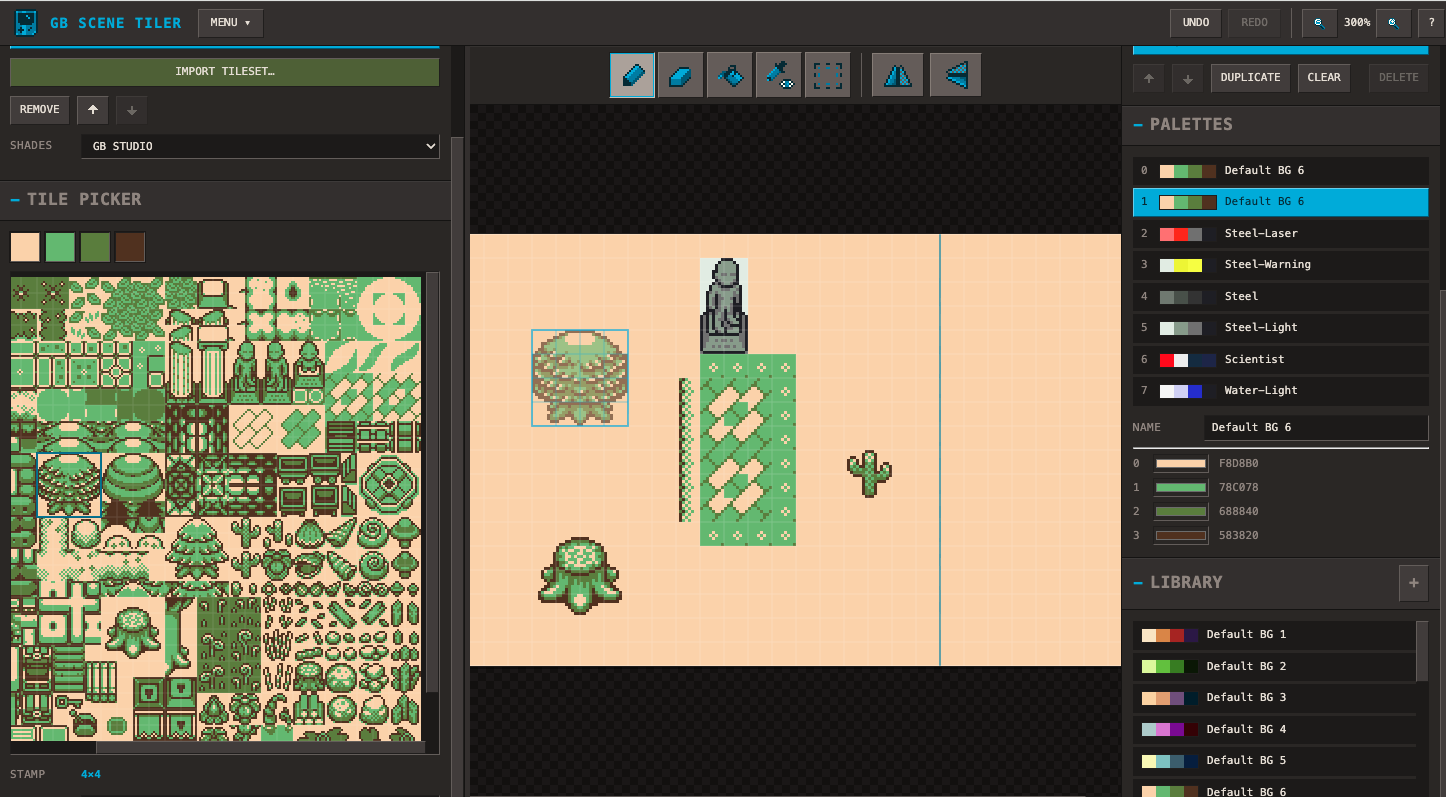
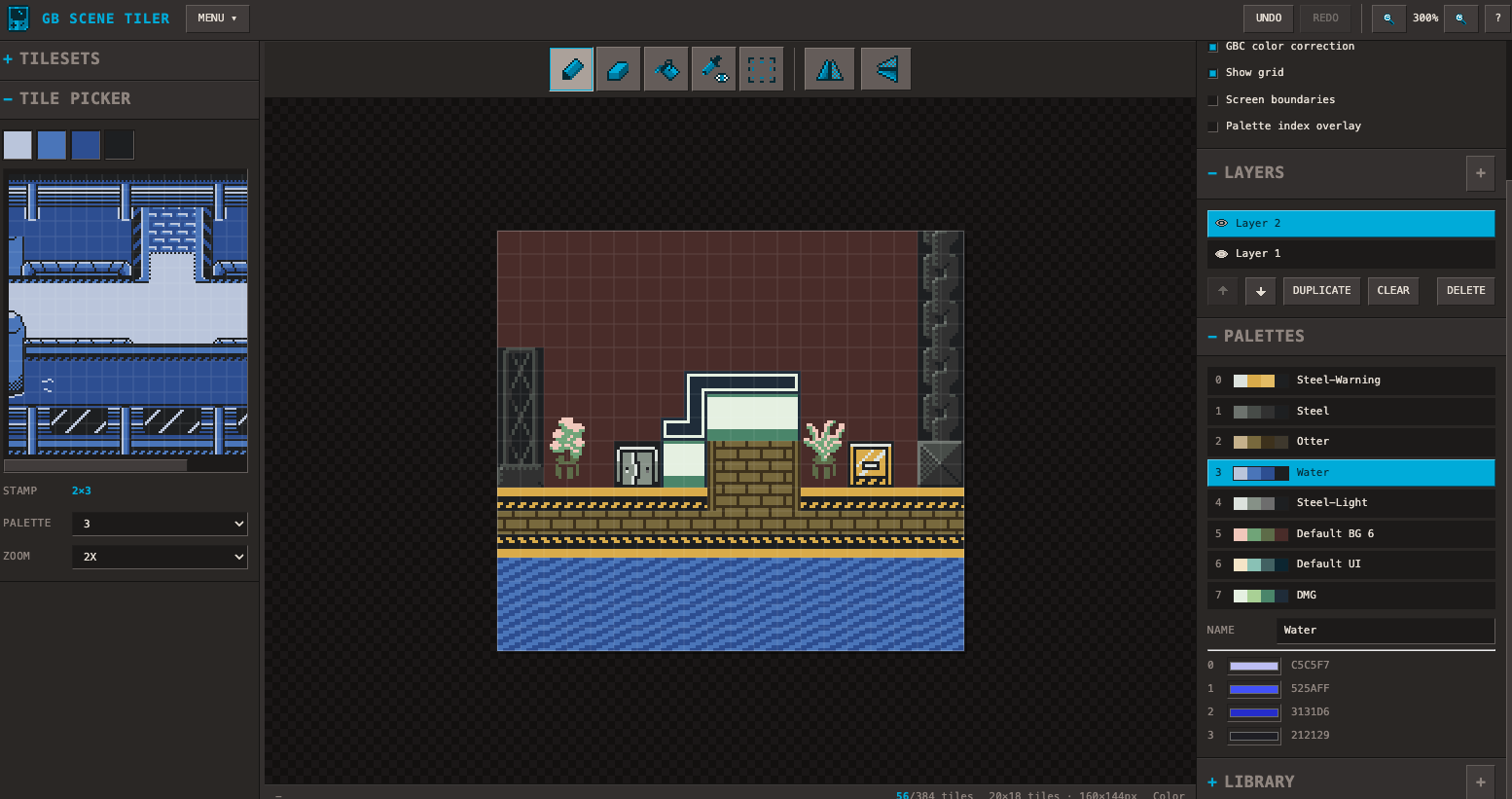
Build a Game Boy background from tilesets, then export it as a flat PNG for GB Studio.
Import palettes from an existing project, organize scenes with layers, and drag and drop tiles from imported tilesets. Defaults to an 8x8 grid and a 160x144 pixel screen size.
Logic Loop Font by VEXED (https://v3x3d.itch.io/)
Graphics and programming - Pcool
More programming - Claude (AI)
Comments
Log in with itch.io to leave a comment.
The cool thing about this is its build with GBstudio in mind. It would be cool if you made this an app although I did install it in my dock from safari
I did have some issues though:
• Focus - sometimes the app's focus wouldn't update. Specifically, when I changed the size of the scene, the focus of the app would get stuck in the text box there and when I tried to paste, it tried to paste the image into the text box. This was very hard to fix
• I don't really like the way you've implemented copy & paste. I figured it out eventually, but I would prefer it to create a temporary layer that you can move by dragging rather than directly pasting into the selection area. Most apps I've used work the way I prefer so it really messes with my muscle memory when it works differently
• At some point, I couldn't scroll back up to the top of my scene anymore. I exported it and it exported properly, but the scroll bar just got confused or something
• If you could make the shortcuts the same as tiled, it would make my life easier since I'm used to that and have to switch back and forth. Specifically, making Select R instead of M OR even better, making R work but keeping the main shortcut M
I like the suggestions and made some updates. I’m also working on a downloadable version (for Windows and Mac).